 Gridwright
Start for $1
PixaTool Alternative: Image to Pixel Art in Your Browser
A PixaTool alternative for Mac, Linux and Windows: Gridwright's Pixelator turns images and GIFs into game-ready pixel art. Features and costs compared.
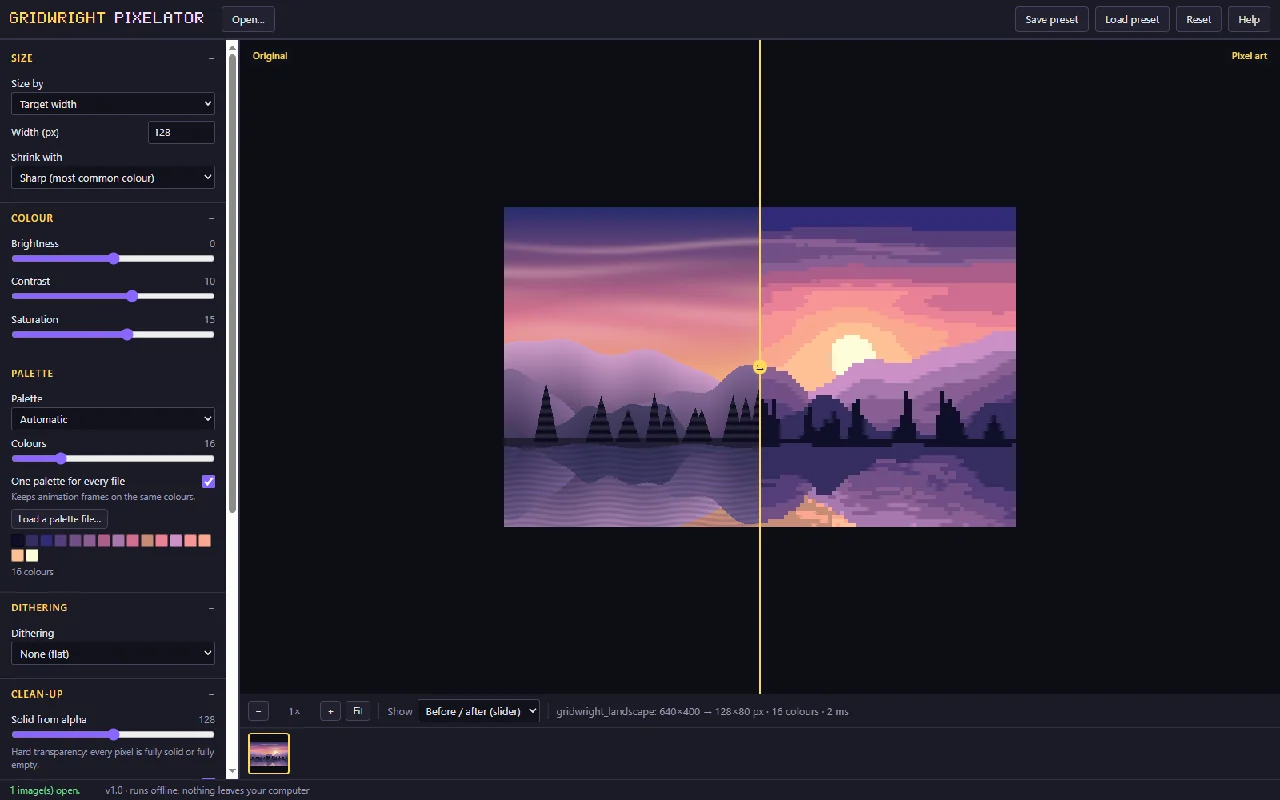
If you need a PixaTool alternative, especially one that runs on a Mac, on Linux or on a Chromebook, Gridwright's Pixelator turns renders, paintings, photos and 3D screenshots into clean pixel art on an exact grid in your browser, with palettes, dithering, hard transparency, outlines and one shared palette for every frame of an animation. PixaTool is a Windows app with a list price of $49.84; Gridwright puts the Pixelator, 30 more tools and 129 asset packs into one $17 monthly subscription.
Below is a side-by-side look, why Gridwright is the better pick for game sprites, and the cost of each route over a year. PixaTool's price, platform and update status come from its itch.io page and purchase page, read on 14 November 2026.
PixaTool alternative: the two side by side
| PixaTool | Gridwright | |
|---|---|---|
| Price | $49.84 once (list price) | $1 for 3 days, then $17 a month |
| Runs on | Windows | Your browser on Windows, macOS, Linux or a Chromebook |
| Tools in the price | 1 | 31, plus 129 asset packs |
| Updates | "The development is finished. Only expect minor updates/fixes." | New tools and packs about three a day |
| Try first | A Windows demo | 3 days for $1 with every tool and up to 10 packs |
Every Gridwright asset pack, made to fit together, and all 31 tools for the fiddly work, with every new release, for $17 a month. Try it in your own game first: 3 days for $1, cancel any time.
Start for $1What PixaTool is
PixaTool is Kronbits' image to pixel art converter, sold on itch.io as a downloadable tool for Windows, with a list price of $49.84. Its current stable version is 1.58, and its page says that development is finished and only minor updates and fixes should be expected. A Windows demo is available to test first.
What Gridwright's Pixelator does
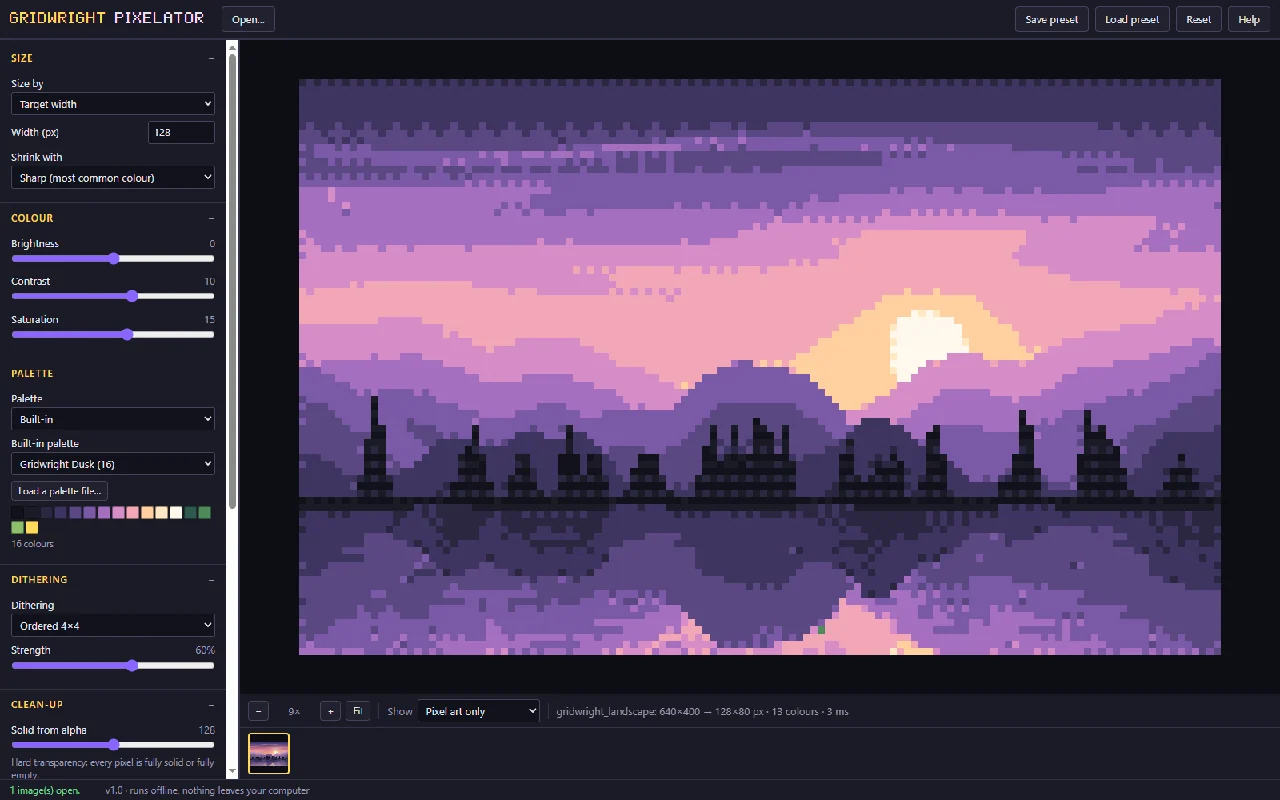
The Pixelator turns renders, paintings, photos and 3D screenshots into pixel art on an exact grid. You set the width in pixels, or how many source pixels make one art pixel. Its "Sharp" mode keeps the most common colour in each cell, so edges stay crisp instead of turning muddy, which matters most when the source is a 3D render with soft anti-aliased edges.
Palettes and dithering
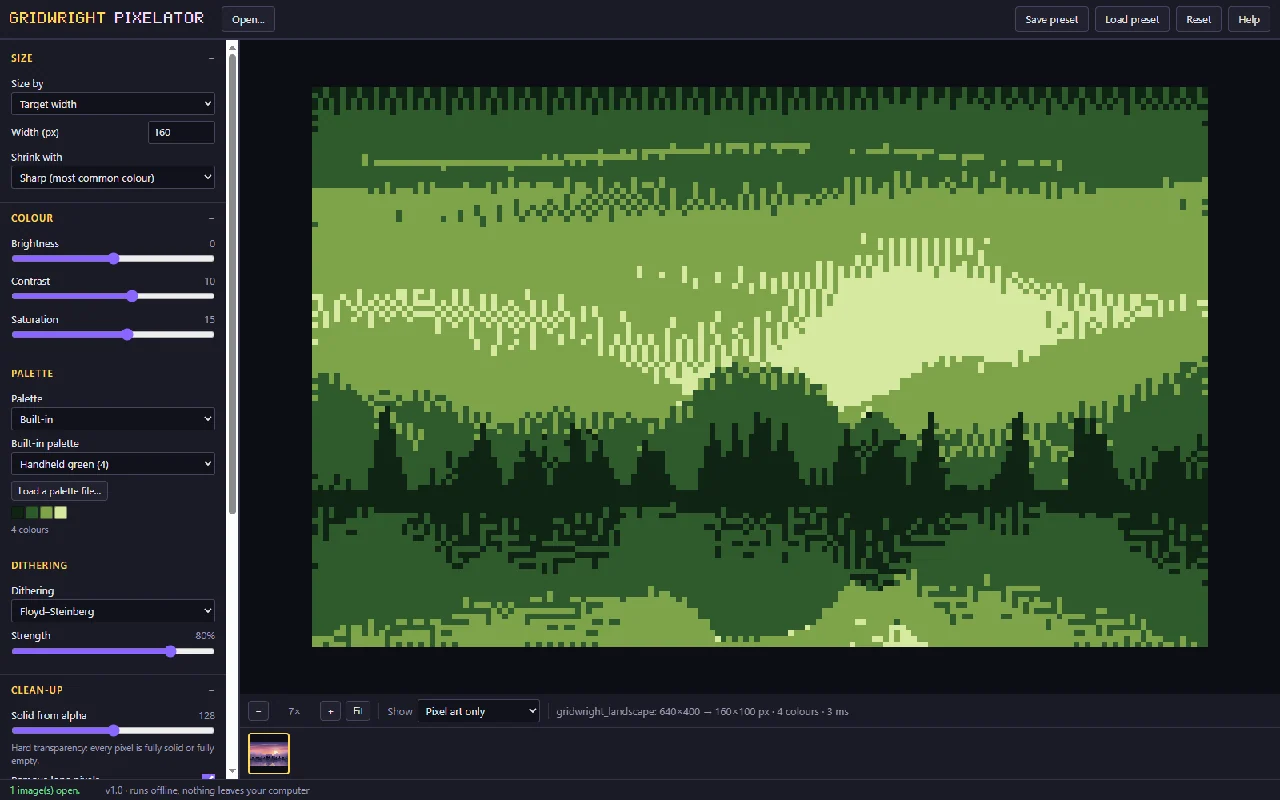
Pick an automatic palette of 2 to 64 colours, chosen in a perceptual colour space, use one of 10 built-in palettes, or load your own .hex, .gpl, .pal, .txt or .png palette. Dithering comes in ordered 2x2, 4x4 and 8x8 patterns, Floyd-Steinberg and Atkinson, with a strength slider, or you can leave it off.
Made for sprites
- Hard transparency. No half-transparent pixels, so the sprite's edges stay sharp in any engine.
- Lone-pixel removal and outlines outside or inside the shape.
- One palette for every frame. Open all frames of an animation together, or open a GIF and it is split into frames, and every frame shares one palette, so colours never flicker from frame to frame.
- A before and after slider, a side-by-side view and the palette shown as swatches.
It saves PNG at 1x to 8x, every image in one ZIP, all frames as one sprite sheet with a JSON map, or an animated GIF. The palette saves as .hex, .gpl or .png for Aseprite, GIMP, Krita or Lospec. Settings and palette save to a preset file you can load later or share. It opens in Chrome, Edge, Firefox or Safari (we tested it in Chrome and Edge), and your images never leave your computer.
How to turn a 3D render into game sprites
- Open the render, a GIF, or every frame of an animation together.
- Set the pixel size, and pick a palette or let the Pixelator choose one.
- Turn on hard transparency, add dithering and an outline if the style wants them, and compare before and after with the slider.
- Save a sprite sheet with its JSON map, a GIF for your devlog, and the palette for your editor.
Because every frame shares one palette, an animated render comes out with no colour flicker from frame to frame.
Keep converted sprites crisp in your engine
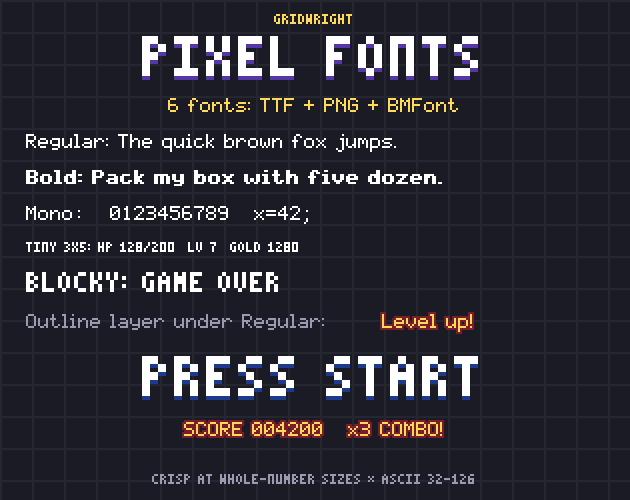
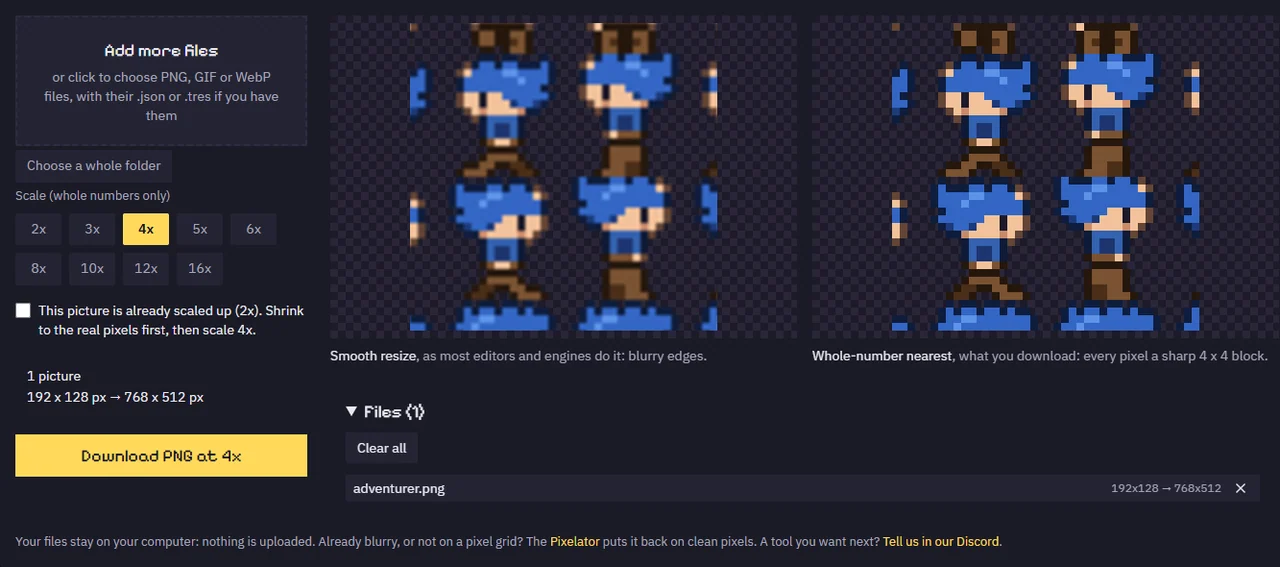
A converted sprite only looks right in the game if it is scaled by whole numbers. The Pixel Art Upscaler resizes sprites, sheets or whole folders 2x to 16x by nearest neighbour, so every pixel becomes a sharp square block, and it scales a sheet's JSON atlas, Tiled tileset or Godot .tres file by the same number so the frames still line up. For Godot 4, the Godot Pixel-Perfect Setup walks through the settings that matter (texture filter, integer scaling, pixel snapping, the camera, fonts and imports) and writes the project.godot lines and a pixel-perfect camera script for your game's resolution, tested in Godot 4.7.2.
Why Gridwright is the better pick
- Runs on every computer you own. Mac, Linux, Chromebook or Windows: the Pixelator opens in the browser with nothing to install. PixaTool's page lists Windows.
- Output a game can load. Hard transparency, outlines, a sprite sheet with a JSON map, and an animated GIF, at 1x to 8x.
- Animations that don't flicker. All frames, or every frame of a GIF, share one palette.
- Five dithering methods with a strength slider, and palettes in and out as .hex, .gpl, .pal, .txt and .png.
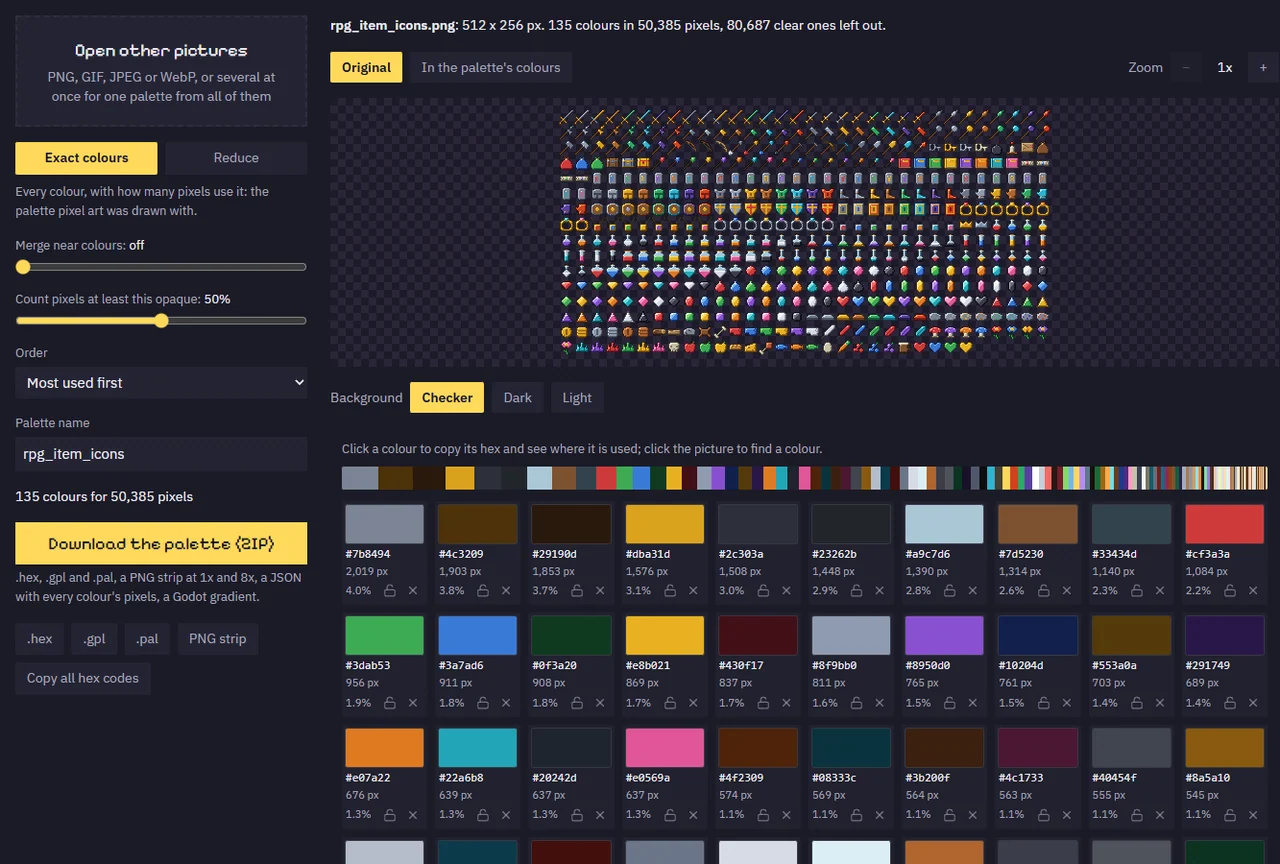
- The colour tools that come next. The Color Palette Extractor lists every colour in a picture with its pixel count and saves .hex, .gpl, .pal, PNG, JSON and a Godot gradient; the Pixel Palette & Shading Ramp Maker turns base colours into hue-shifted shading ramps; the Palette Swapper recolours a converted sprite or sheet into team colours or your game's palette.
- Finishing tools in the same tab. The Sprite Outline Adder, the Pixel Art Upscaler for crisp 2x to 16x copies, and the CRT Filter for retro screenshots and trailers.
- A kit that keeps growing. Gridwright has released 136 packs and tools since 2 October 2026, about three a day, all included, along with 129 asset packs holding 31,588 sprites, tiles and frames.
Our guide to game dev tools on one subscription puts the paid tools a 2D developer usually buys side by side.
What a year costs
PixaTool's list price is $49.84 for one job. The paid apps for the jobs Gridwright's tools do, plus a year of art, at each maker's list price:
| What you buy | Price |
|---|---|
| PixaTool, image to pixel art (list price) | $49.84 once |
| TexturePacker, sprite sheets | $49.99 once |
| SpriteIlluminator, normal maps | $49.99 once |
| Crocotile 3D, 3D from tiles | $29.99 once |
| Pixel FX Designer, particle effects (itch.io) | $14.96 once |
| Tilesetter, autotiles | $12.99 once |
| Aseprite, pixel art editor | $19.99 once |
| CraftPix monthly membership, art, 12 months | $180.00 |
| Bought separately, year one | $407.75 |
| Gridwright, year one | $1 for 3 days, then $204 for 12 months: $205 |
After two years the separate route comes to $587.75, even with no new update periods bought, against $409 for Gridwright. Bought one by one on our own store, every Gridwright pack and tool would cost $1,403.61.
FAQ
Is there a PixaTool alternative for Mac?
Yes. Gridwright's Pixelator runs in the browser, so it works on macOS, Linux and Chromebooks as well as Windows.
Can I convert a 3D render into pixel art sprites?
Yes. Set the grid, pick or load a palette, turn on hard transparency and an outline, and save a sprite sheet with JSON. If the render is an animation, open every frame together so they share one palette.
Can it convert an animated GIF?
Yes. Open the GIF and it is split into frames that all share one palette, then save it again as a GIF, as single PNGs or as a sprite sheet with a JSON map.
Can I use my own palette?
Yes. Load a .hex, .gpl, .pal, .txt or .png palette, or pick one of the 10 built-in palettes. The Pixelator can also save the palette it chose for you.
Can I sell games with sprites made this way?
The Gridwright licence lets you use what you make with the tools in personal and commercial projects. Make sure you have the rights to the picture you convert, since converting doesn't change who owns it.
Every Gridwright asset pack, made to fit together, and all 31 tools for the fiddly work, with every new release, for $17 a month. Try it in your own game first: 3 days for $1, cancel any time.
Start for $1