 Gridwright
Start for $1
9-Slice Previewer
Panels and buttons that smear when your game stretches them? Set the four margins and see the panel at any size, exactly as Godot draws it, with a NinePatchRect, a StyleBoxTexture and CSS to take.
Panels and buttons that stretch to any size, checked before your game shows them, in your browser.
In your browserNothing to installYour work saved to your accountOpens on any device you sign in on
What 9-Slice Previewer does
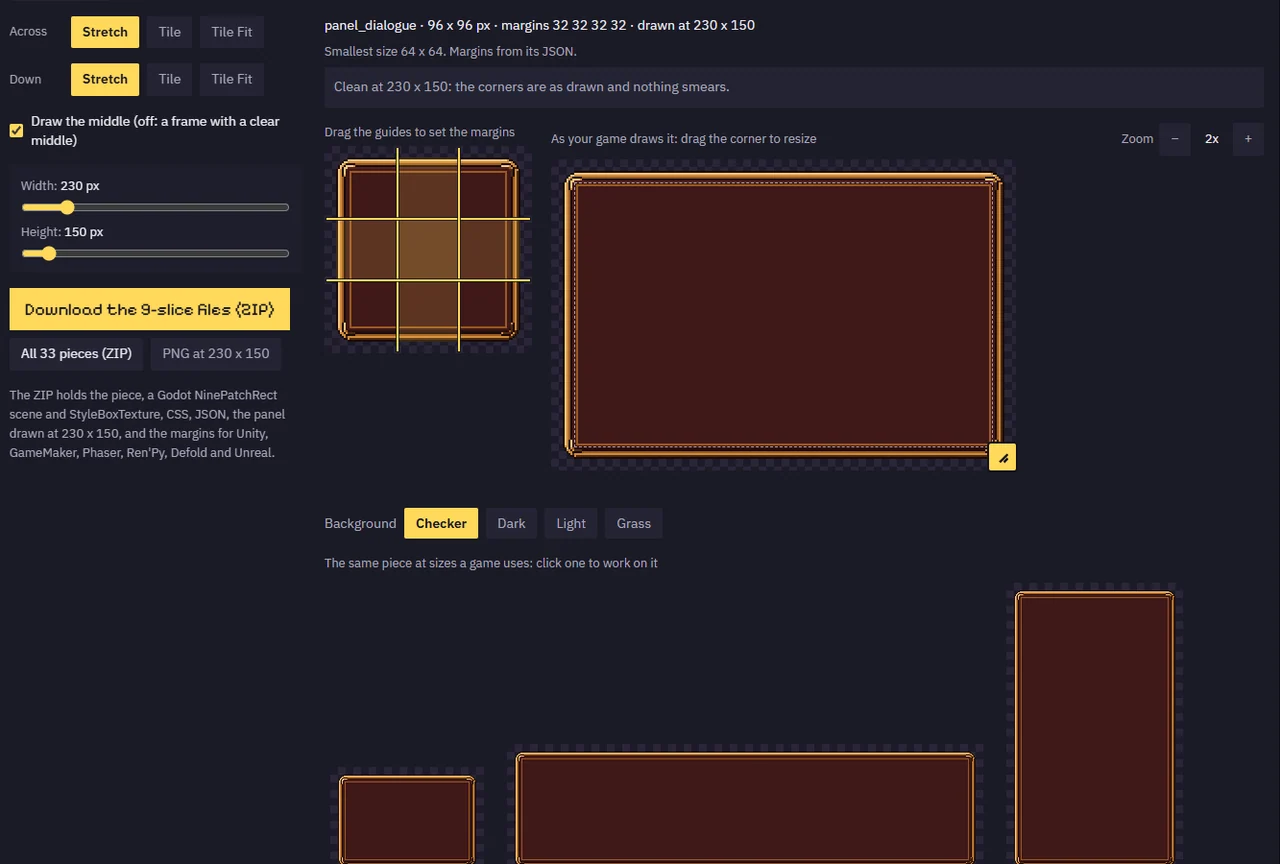
A panel that looked right at its own size comes out smeared or blurred once your game stretches it, and you only find out in the engine. The 9-Slice Previewer shows it first: set the four margins by dragging guides over the piece, or let it find the smallest margins that stretch cleanly, then drag the panel's corner and watch it at any size, stretched, tiled or tiled to fit, drawn exactly the way Godot 4 draws a NinePatchRect.
Columns or rows that would smear turn red before you export, a tiled middle that ends on part of a tile gets the nearest whole-tile sizes, and the same piece shows as a small box, a wide bar and a tall window side by side. Open a whole UI sheet with its JSON and every piece arrives with its margins; out come the piece, a NinePatchRect scene, a StyleBoxTexture, CSS, a JSON of the margins and the panel drawn at your size, with the numbers for Unity, GameMaker, Phaser, Ren'Py, Defold and Unreal.
How it works
- Drop a panel or a UI sheet with its JSON (or try ours, the stone sheet of Pixel UI Kit's sample).
- Pick a piece, then drag the four guides or press Find margins.
- Drag the panel's corner or the sliders, and choose Stretch, Tile or Tile Fit across and down.
- Download the piece with its Godot scene, StyleBoxTexture, CSS and JSON in one ZIP.
What you get out
- The piece as a PNG, cut from its sheet
- Godot 4 NinePatchRect scene (.tscn) and StyleBoxTexture (.tres)
- CSS border-image classes and a JSON of every piece's margins
- The panel drawn at your size, as a PNG
- Margins for Unity, GameMaker, Phaser, Ren'Py, Defold and Unreal
Packs to use it with
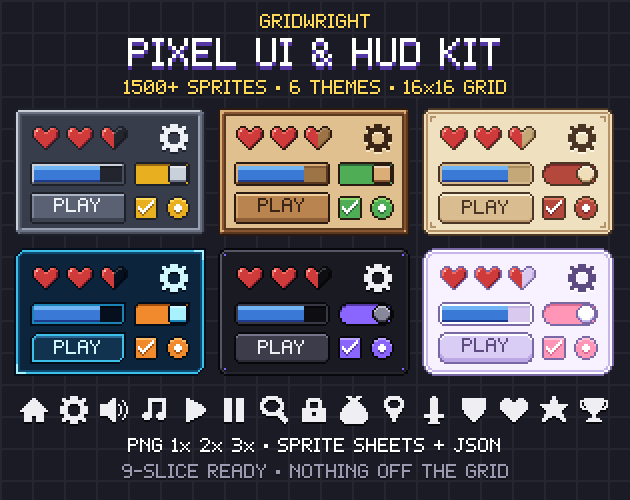 Pixel UI Kit
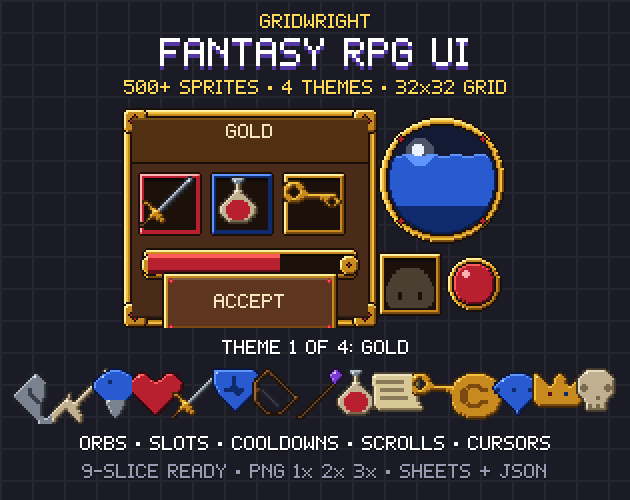 Fantasy RPG UI
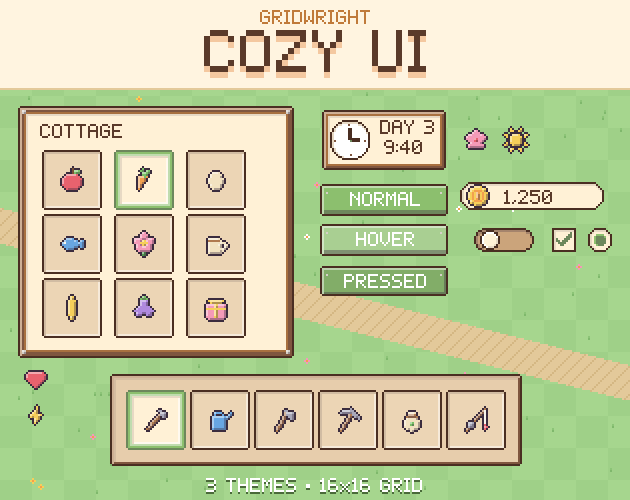 Cozy UI
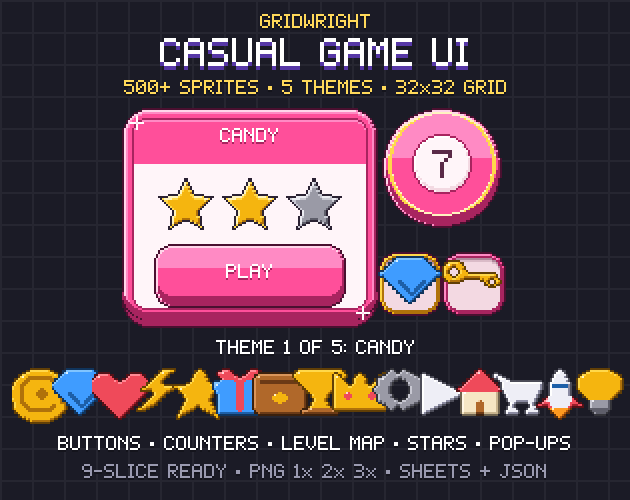 Casual Game UI
More tools to fix every sprite
FAQ
Is 9-Slice Previewer free?
9-Slice Previewer is part of Gridwright: every tool and every asset pack for $17 a month, and you can start with 3 days for $1. It runs in your browser, with nothing to install.
Can I download 9-Slice Previewer?
No. 9-Slice Previewer runs inside Gridwright, in your browser, and what you make there is saved to your account, so it is on every device you sign in on. What it exports (your sprites, maps, sounds and engine files) downloads to your computer and stays yours.
What does 9-Slice Previewer export?
9-Slice Previewer exports The piece as a PNG, cut from its sheet, Godot 4 NinePatchRect scene (.tscn) and StyleBoxTexture (.tres), CSS border-image classes and a JSON of every piece's margins, The panel drawn at your size, as a PNG, Margins for Unity, GameMaker, Phaser, Ren'Py, Defold and Unreal.
Does 9-Slice Previewer work with Godot?
Yes. It writes files Godot 4 opens directly.
Can I use what I make in a commercial game?
Yes. What you make with the Gridwright tools goes into free and commercial games on any platform.
Every Gridwright asset pack, made to fit together, and all 31 tools for the fiddly work, with every new release, for $17 a month. Try it in your own game first: 3 days for $1, cancel any time.
Start for $1