 Gridwright
Start for $1
Pixel Art Editor
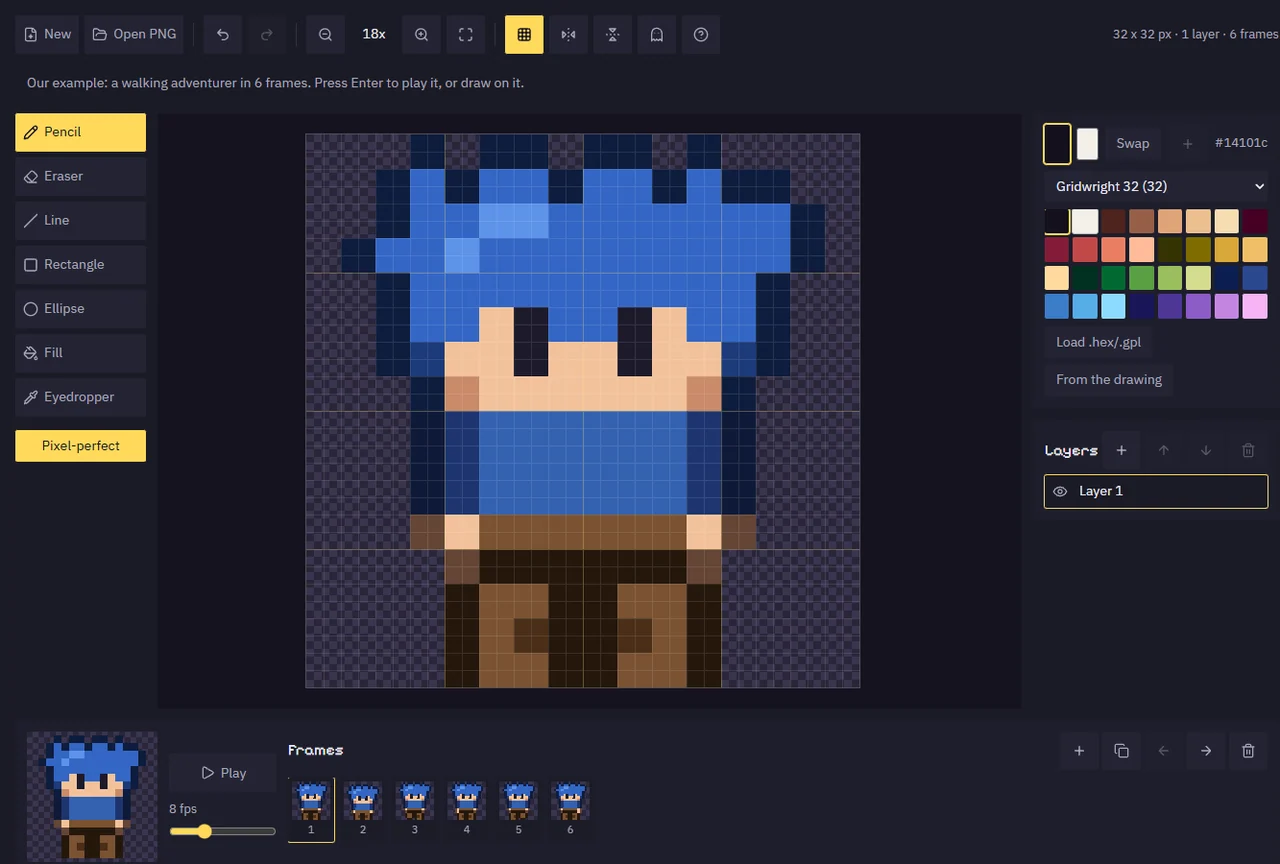
One sprite to fix, and no wish to install an editor for it? Pencil, lines, shapes, fill, mirror, layers and frames with onion skin, in your browser, with a mouse.
Pixel art drawn in your browser, in your browser.
In your browserNothing to installYour work saved to your accountOpens on any device you sign in on
What Pixel Art Editor does
Fixing one sprite should not mean installing and learning a full editor. The Pixel Art Editor runs in your browser and works well with a mouse, because in pixel art you click pixels. Canvases go from 8x8 to 256x256, the sizes sprites, tiles and icons are drawn at.
It has a pencil with pixel-perfect lines, an eraser, lines, rectangles and ellipses, two kinds of fill, an eyedropper and mirror drawing for symmetric characters. Draw in layers and animate in frames with onion skin and a preview at the speed you set. Open a PNG to edit it, then save a PNG, a sprite sheet with a JSON atlas and a Godot SpriteFrames file, or an animated GIF.
How it works
- Start a canvas (32x32 is a good first size) or open a PNG.
- Pick a colour from the palette and draw; right click draws with the second colour.
- Add a layer for details and a frame for each step of the animation; turn on onion skin.
- Save a PNG, a sprite sheet with JSON, or a GIF.
What you get out
- PNG at 1x to 8x
- Sprite sheet PNG + JSON atlas + Godot SpriteFrames
- Animated GIF
Packs to use it with
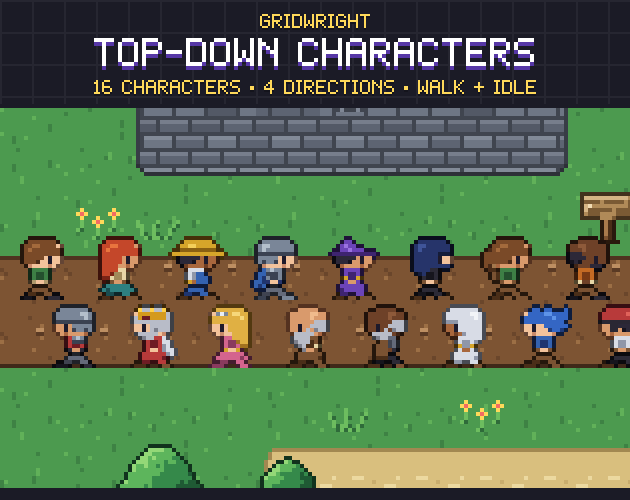 Top-Down Characters
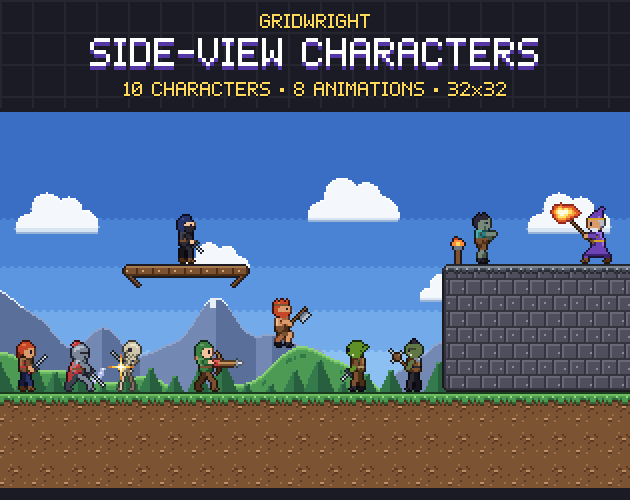 Side-View Characters
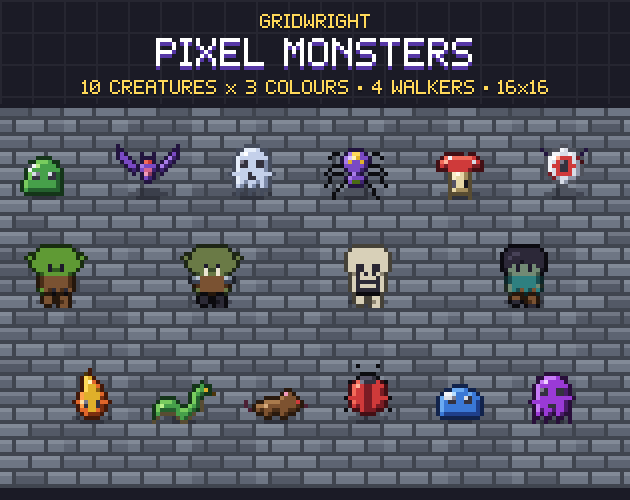 Pixel Monsters
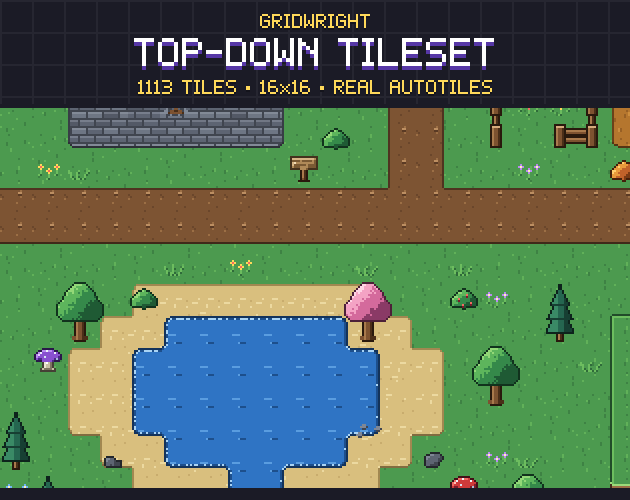 Top-Down Tileset
More tools to make the cast
FAQ
Is Pixel Art Editor free?
Pixel Art Editor is part of Gridwright: every tool and every asset pack for $17 a month, and you can start with 3 days for $1. It runs in your browser, with nothing to install.
Can I download Pixel Art Editor?
No. Pixel Art Editor runs inside Gridwright, in your browser, and what you make there is saved to your account, so it is on every device you sign in on. What it exports (your sprites, maps, sounds and engine files) downloads to your computer and stays yours.
What does Pixel Art Editor export?
Pixel Art Editor exports PNG at 1x to 8x, Sprite sheet PNG + JSON atlas + Godot SpriteFrames, Animated GIF.
Does Pixel Art Editor work with Godot?
Yes. It writes files Godot 4 opens directly.
Can I use what I make in a commercial game?
Yes. What you make with the Gridwright tools goes into free and commercial games on any platform.
Every Gridwright asset pack, made to fit together, and all 31 tools for the fiddly work, with every new release, for $17 a month. Try it in your own game first: 3 days for $1, cancel any time.
Start for $1