 Gridwright
Start for $1
Pixel Art Size Calculator
Not sure whether your game should be 320x180 or 640x360, with 16 or 32 px tiles? Pick a resolution and a tile size and see the tiles on screen, the whole-number scale and the black bars from 720p to 4K.
The right sprite, tile and canvas sizes, in your browser.
In your browserNothing to installYour work saved to your accountOpens on any device you sign in on
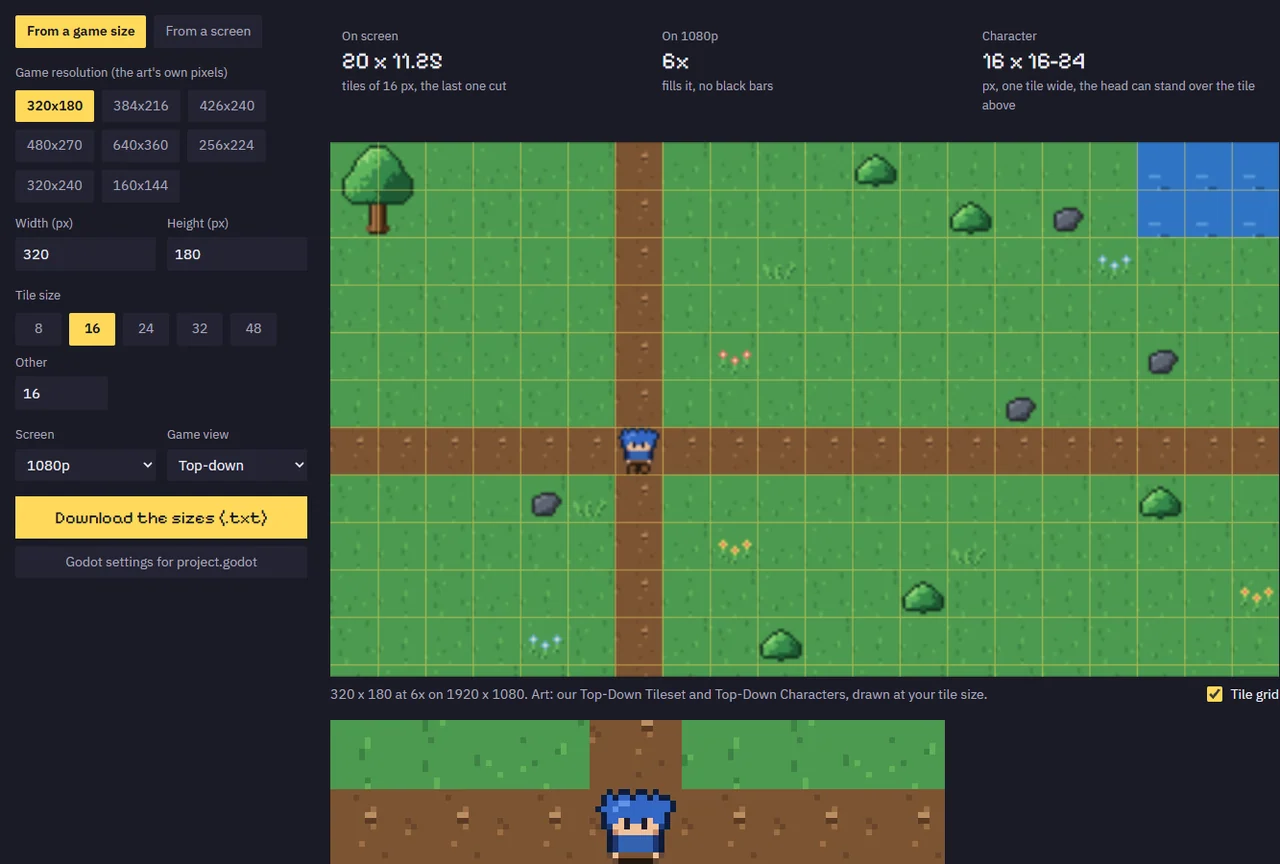
What Pixel Art Size Calculator does
Every pixel art game starts with the same question: what size should the sprites, the tiles and the canvas be? Pick a game resolution such as 320 x 180 or 640 x 360 and a tile size from 8 to 48 pixels, and the Pixel Art Size Calculator shows how many tiles fit on screen, how tall a character should be, and how big one art pixel is on a 720p, 1080p, 1440p or 4K screen.
It scales by whole numbers only, which is how pixel art stays crisp, so it also shows the black bars each screen leaves and which resolutions fill all four screens with none. A live preview draws a meadow at your sizes, and the settings come out as lines for Godot's project.godot and values for Unity's Pixel Perfect Camera.
How it works
- Pick a game resolution, or start from a screen and the number of tiles you want to see.
- Pick a tile size and whether the game is top-down or side view.
- Check the tiles on screen, the scale and black bars, and the preview.
- Download the sizes, or copy the Godot settings into project.godot.
What you get out
- Size sheet (.txt)
- Godot 4 project.godot lines
- Unity Pixels Per Unit and Pixel Perfect Camera values
Packs to use it with
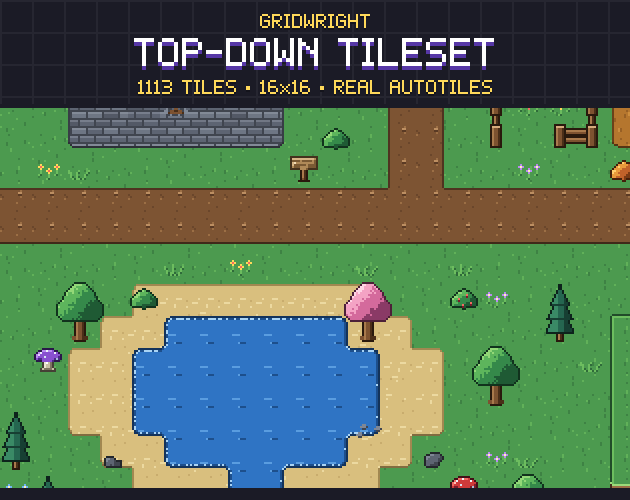 Top-Down Tileset
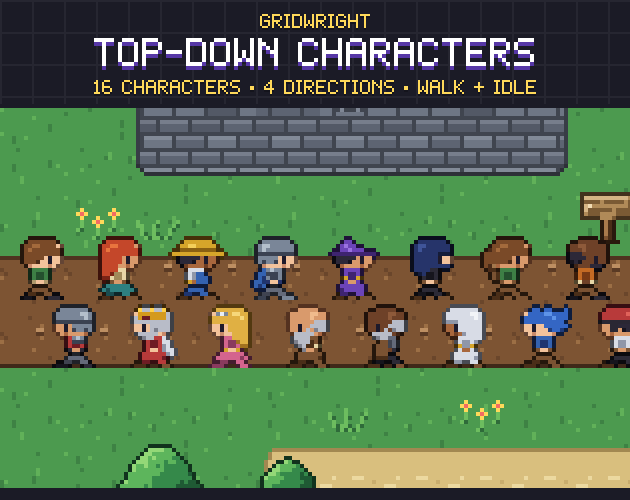 Top-Down Characters
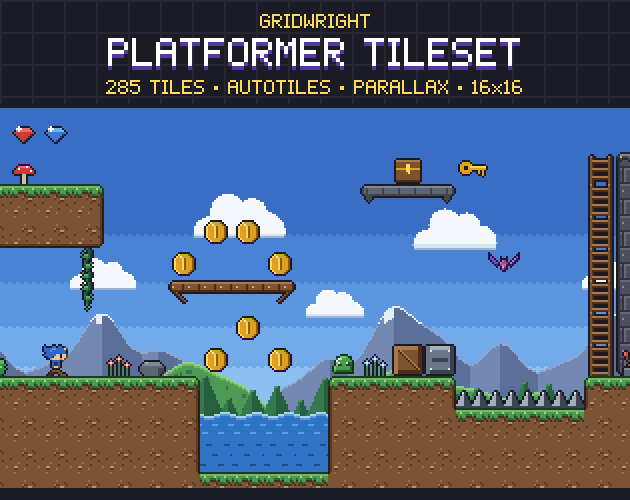 Platformer Tileset
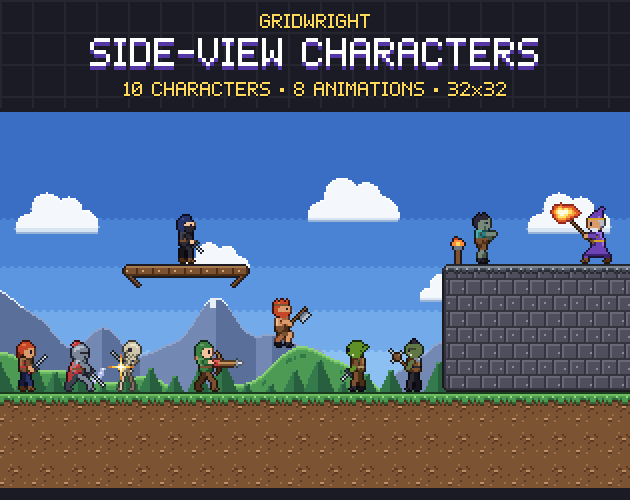 Side-View Characters
More tools to sound and setup
FAQ
Is Pixel Art Size Calculator free?
Pixel Art Size Calculator is part of Gridwright: every tool and every asset pack for $17 a month, and you can start with 3 days for $1. It runs in your browser, with nothing to install.
Can I download Pixel Art Size Calculator?
No. Pixel Art Size Calculator runs inside Gridwright, in your browser, and what you make there is saved to your account, so it is on every device you sign in on. What it exports (your sprites, maps, sounds and engine files) downloads to your computer and stays yours.
What does Pixel Art Size Calculator export?
Pixel Art Size Calculator exports Size sheet (.txt), Godot 4 project.godot lines, Unity Pixels Per Unit and Pixel Perfect Camera values.
Does Pixel Art Size Calculator work with Godot?
Yes. It writes files Godot 4 opens directly.
Can I use what I make in a commercial game?
Yes. What you make with the Gridwright tools goes into free and commercial games on any platform.
Every Gridwright asset pack, made to fit together, and all 31 tools for the fiddly work, with every new release, for $17 a month. Try it in your own game first: 3 days for $1, cancel any time.
Start for $1